> For the complete documentation index, see [llms.txt](https://docs.hello-lisa.com/llms.txt). Markdown versions of documentation pages are available by appending `.md` to page URLs; this page is available as [Markdown](https://docs.hello-lisa.com/knowledge/analytics/stories/aggregated-stories-dashboard.md).
# Aggregated Stories Dashboard
Find all your Stories data in one place.
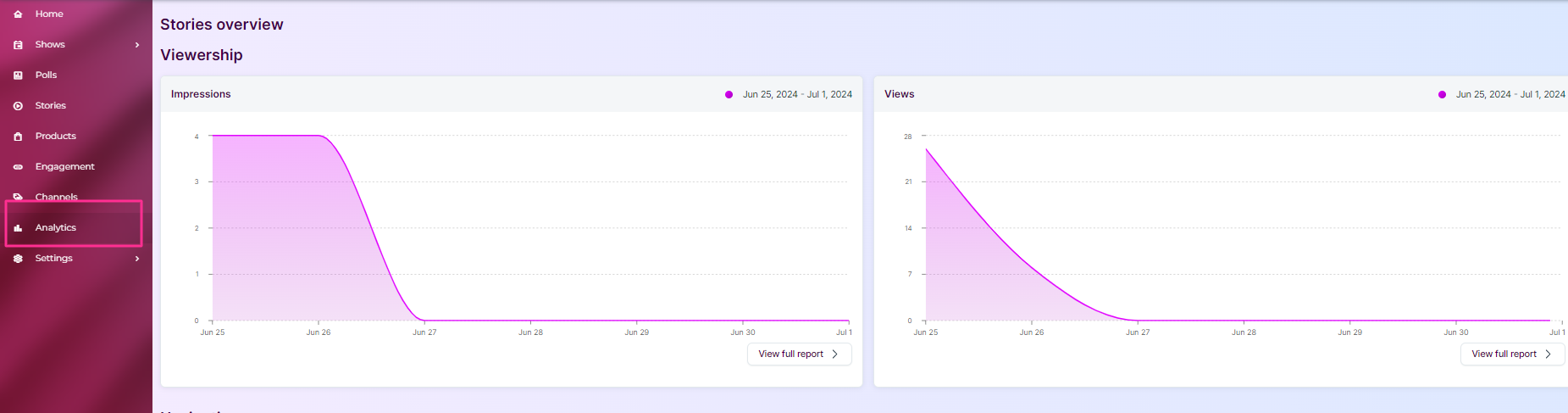
### STEP 1: Find Analytics
Inside the main menu, click on Analytics and you'll access the Aggregated Stories Dashboard. By default it shows the last 7 days.
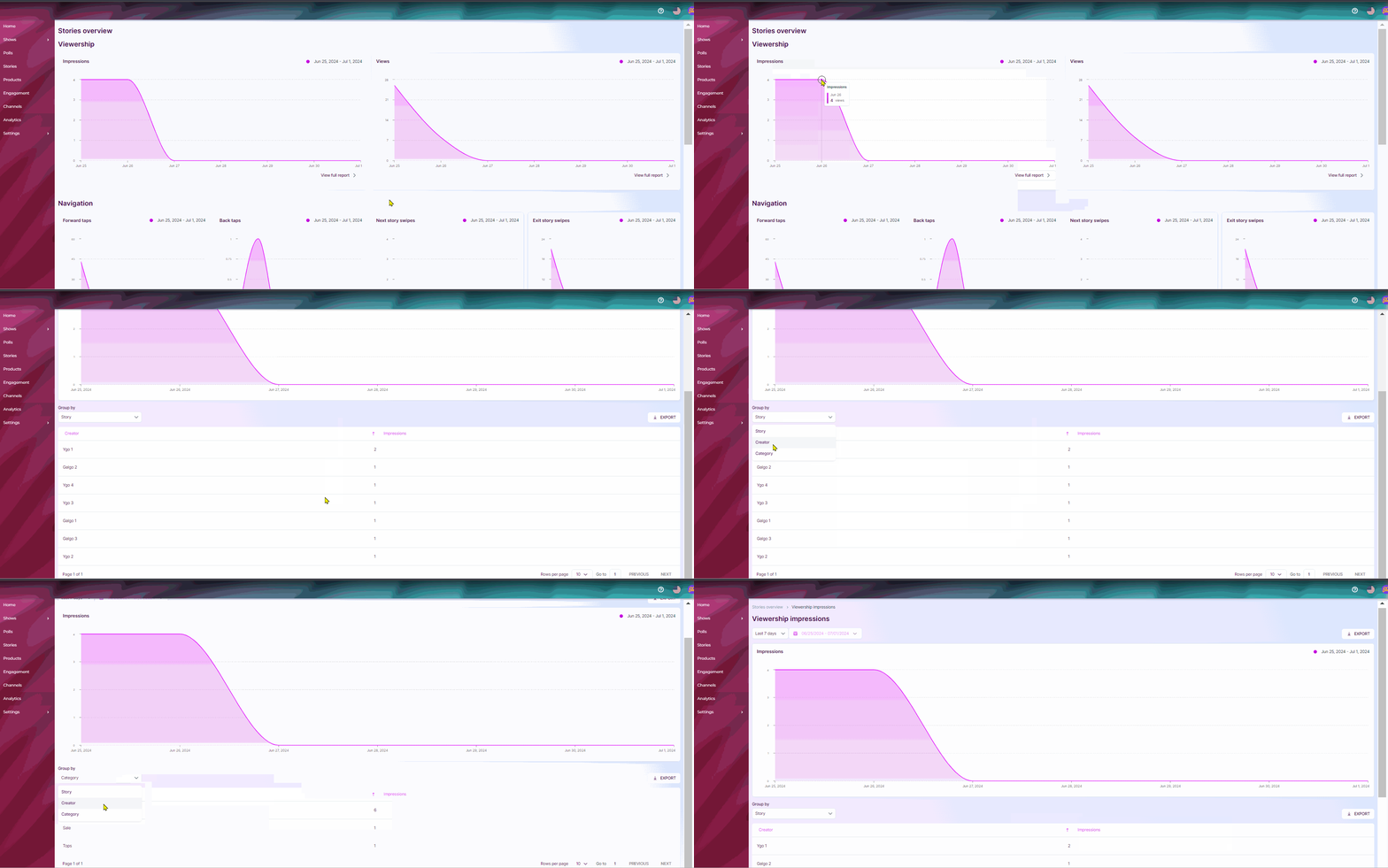
### STEP 2: Filtering
Each graph is clickable and allows you to add filters such as date range, creators, categories.