> For the complete documentation index, see [llms.txt](https://docs.hello-lisa.com/llms.txt). Markdown versions of documentation pages are available by appending `.md` to page URLs; this page is available as [Markdown](https://docs.hello-lisa.com/knowledge/general/settings/categories/how-to-use-categories.md).
# How to use Categories
Once you have created and customized your categories you can use them e. g. for your stories and channels
### **Stories Categories**
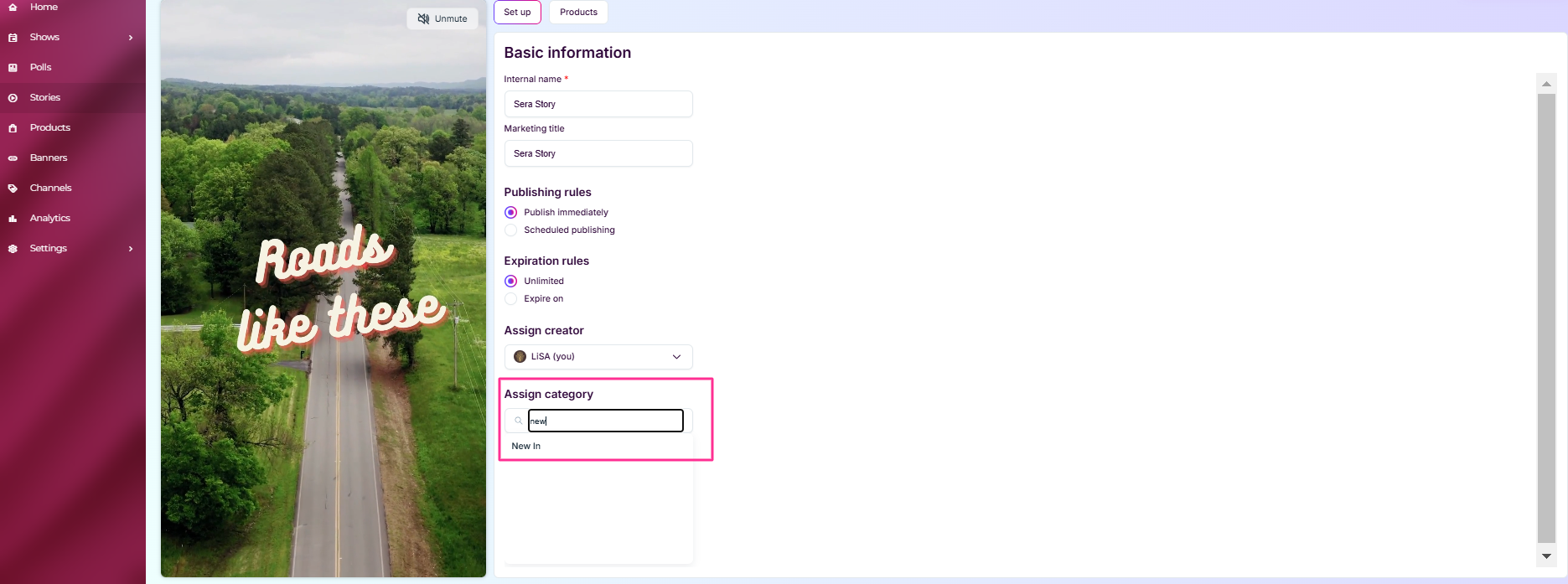
Navigate into any of your Stories. Stories -> three dots -> Edit
Inside any Story you have the option to assign it to a category
## Channels
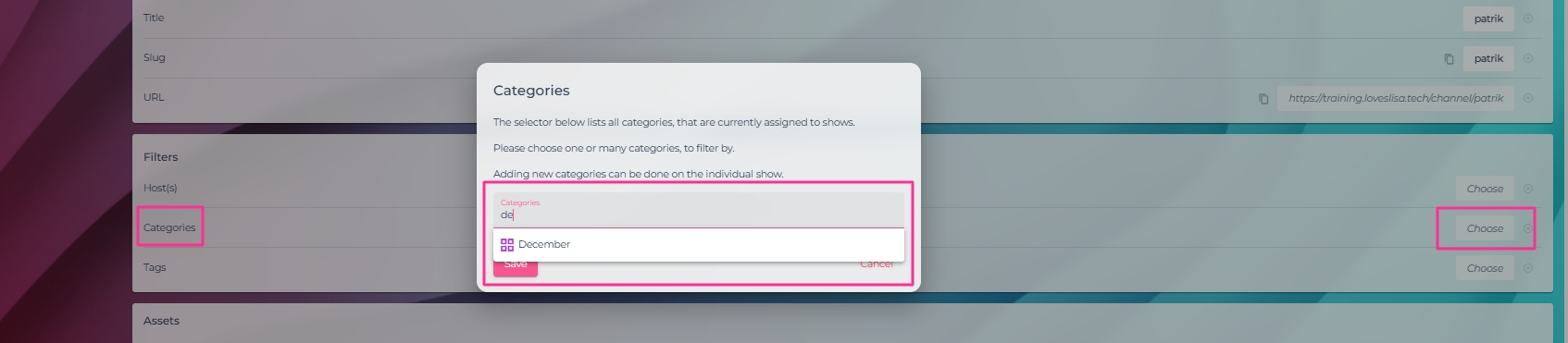
Navigate to Channels -> Click on any Channel to edit
Assign a category filter to this channel.