> For the complete documentation index, see [llms.txt](https://docs.hello-lisa.com/llms.txt). Markdown versions of documentation pages are available by appending `.md` to page URLs; this page is available as [Markdown](https://docs.hello-lisa.com/knowledge/shows/snippets/create-snippet.md).
# Create Snippet
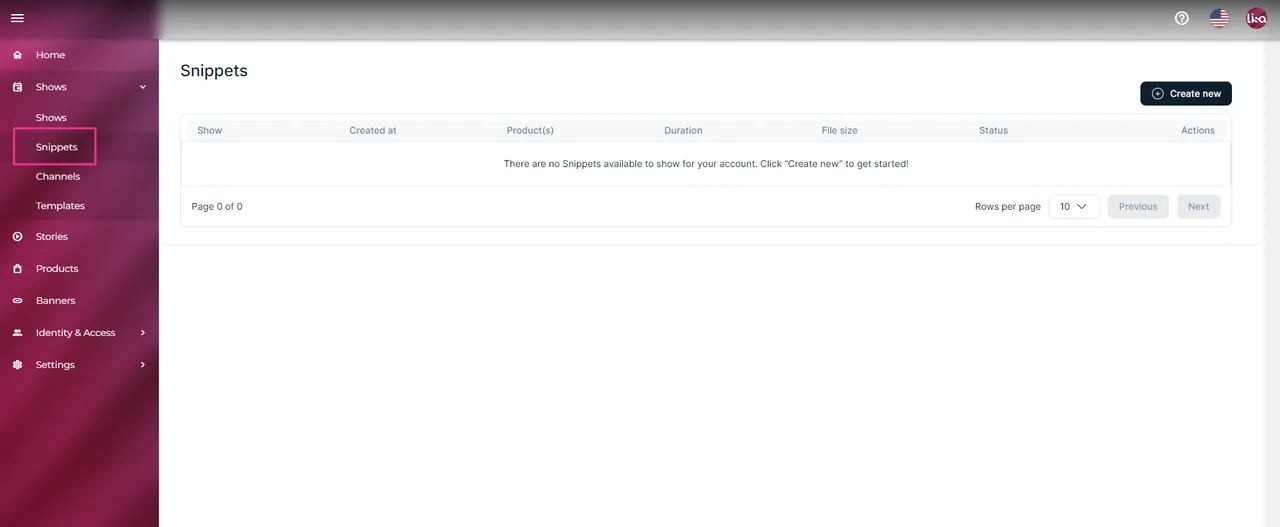
**STEP 1: NAVIGATE TO SNIPPETS**
Log into your LiSA account navigate inside the menu to Shows -> Snippets
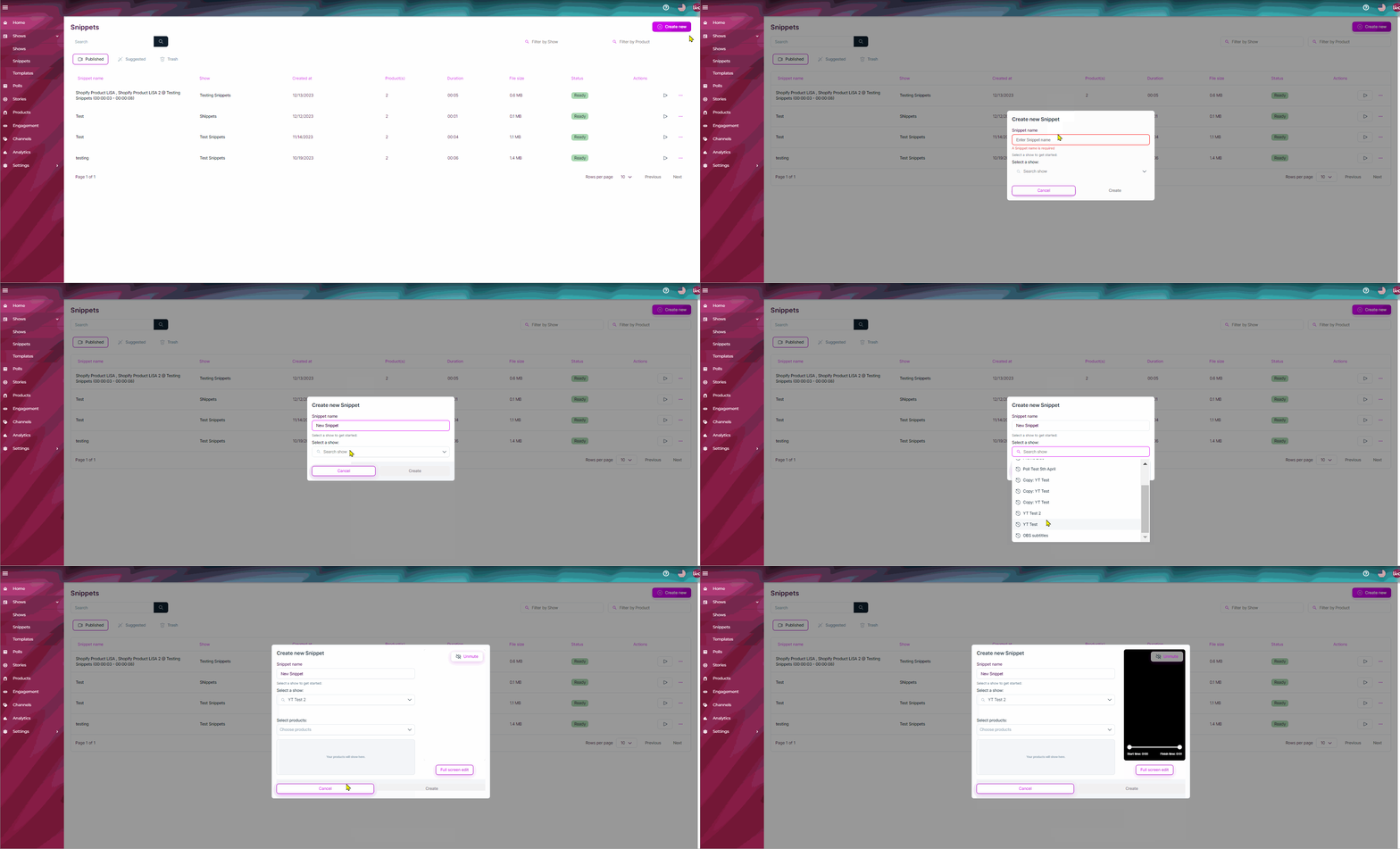
**STEP 2: CREATE A SNIPPET**
Click on the **+Create new** button in the top right corner and give your snippet a name and look for your show.
**STEP 3: EDIT SNIPPET**
You will now be able to edit the snippet. **Once you are happy with your selection click Create** in the bottom right corner and wait for Processing to finish.
**Select products**
{% hint style="danger" %}
Products must have a product identifier set up! Otherwise products won't show for the snippet and you won't be able to save.
{% endhint %}